Text & Image to 3D
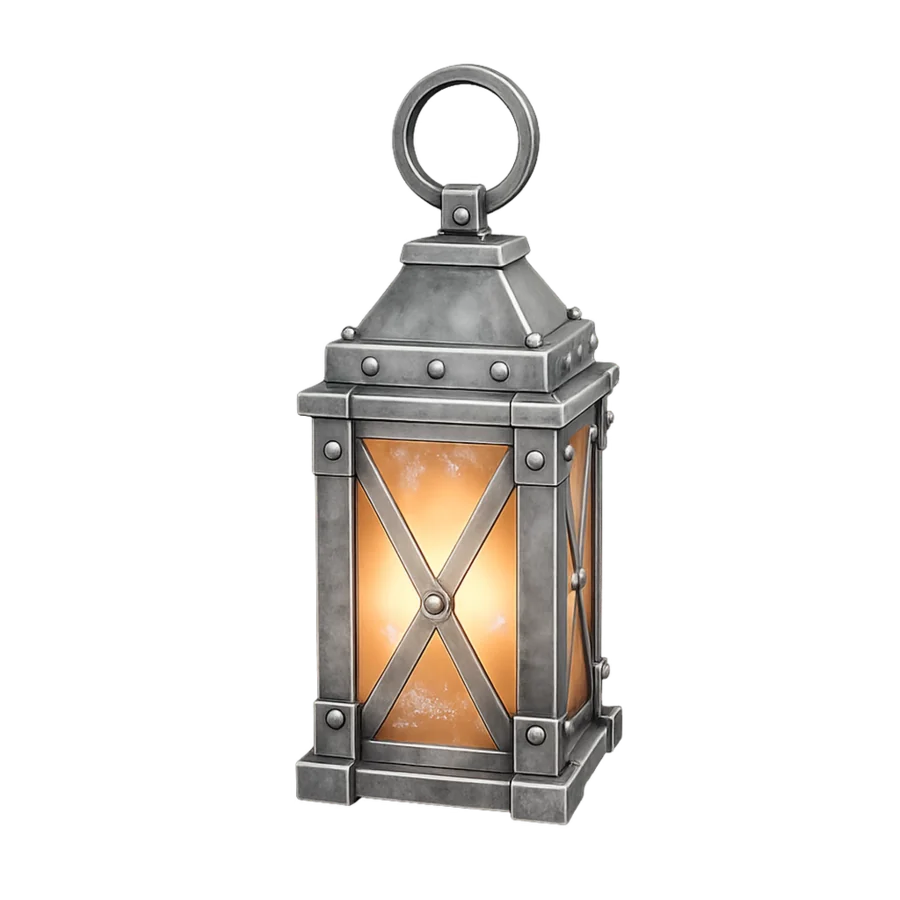
Turn prompts, photos, or sketches into 3D models for miniatures, collectibles, props, prototypes, and more.

From Text or Image to 3D Print
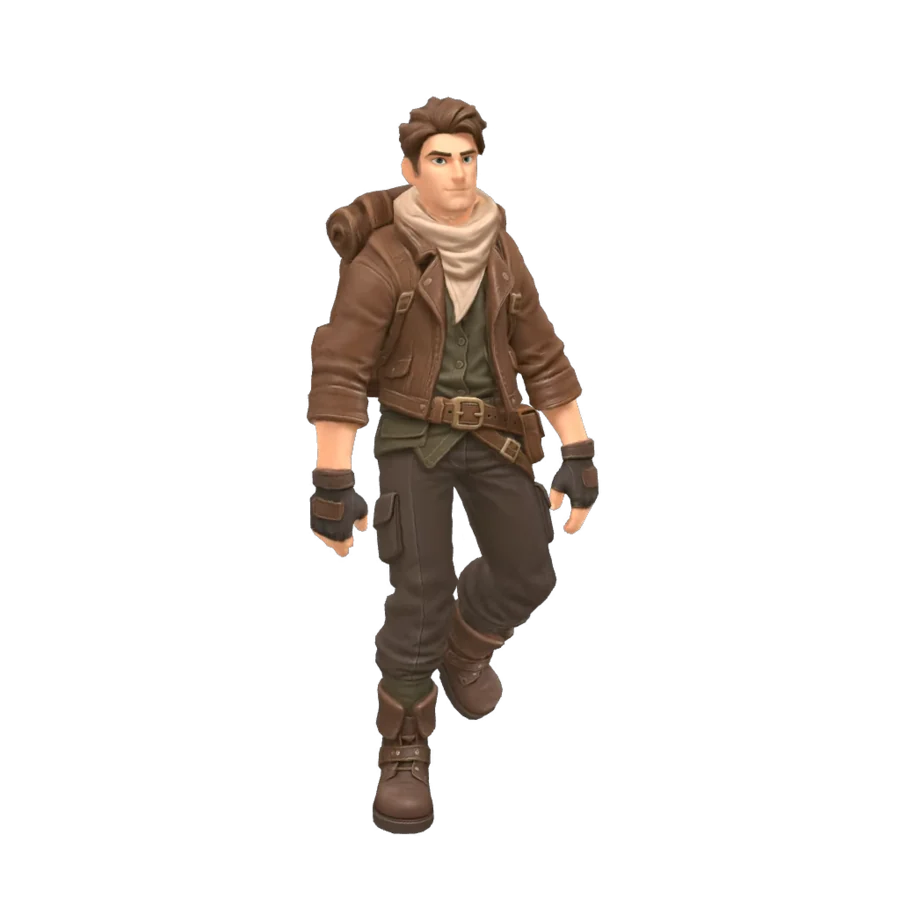
Easily turn a prompt, photo, sketch, or concept image into a 3D model for printing — without complex modeling.
No advanced 3D modeling skills required.
Desert explorer in burgundy armor


Complete 3D Printing Toolkit
From text prompts and reference images to finish previews, printable parts, and optimized meshes, everything you need before slicing lives in one studio.
Turn prompts, photos, or sketches into 3D models for miniatures, collectibles, props, prototypes, and more.
Explore colors, materials, and painted finishes before printing or post-processing your model.

Split large or complex models into printable parts for easier printing, painting, and assembly.


Simplify dense geometry and create a lighter, cleaner mesh while preserving important shape and detail.


A simpler path to physical creation


Community showcase


One Connected Printing Workflow
Generate a model from text or an image, prepare it with built-in tools, and send it directly to your preferred slicer—all in one connected workflow.
Multiple AI Models
Use leading AI models for fast concepts, detailed figurines, printable geometry, and different levels of detail—all under one account.
Direct Slicer Integration
Move from generation to print preparation without unnecessary downloads or tool switching. Send your model directly to the slicer you already use.
Used by makers, miniature artists, product designers, model sellers, and print studios to turn ideas into physical creations faster.
“Crisp3D helps me turn character ideas into detailed models much faster. I can explore several variations before choosing the best one for resin printing.”
Ethan Blake
Resin Miniature Artist
“I can turn a sketch into a 3D model, split complex designs into parts, and prepare everything for slicing without switching between multiple tools.”
Lena Morris
3D Printing Hobbyist
“Crisp3D makes it much easier to turn early concepts into physical prototypes. I can test different shapes and ideas before committing time and material to a print.”
Maya Chen
Product Prototype Designer
“The segmentation tools make large figures much easier to print, paint, and assemble. Being able to add practical joints in the same workflow saves me a lot of time.”
Daniel Rivera
Collectible Model Creator
“Using different AI models and sending the result directly to my slicer makes custom projects much faster, especially during busy production periods.”
Noah Williams
3D Print Shop Owner
“I use Crisp3D to turn reference images into prop concepts, split large models to fit my printer, and prepare the parts for printing and assembly.”
Priya Shah
Cosplay Prop Maker
FAQ
Crisp3D is built for 3D printing. It is ideal for hobbyists, miniature makers, collectible designers, cosplay creators, model sellers, product designers, educators, and professional print studios.
No. The workflow is beginner-friendly, so you can generate and refine 3D assets without learning complex 3D software first.
Yes, paid users can use generated models for commercial projects, as long as your use complies with the applicable license, platform terms, and any rights related to your input materials.
You can create miniatures, figurines, collectibles, toys, decorative objects, cosplay props, concept models, and other original designs for 3D printing.
Only subscription plans are eligible for refunds. Credit packages are non-refundable. You may request a refund for a subscription plan within 3 days of your subscription start date, as long as your credit usage does not exceed 100 credits. If eligible, the refund will be calculated based on your actual usage, minus a 10% service fee from the original payment. To request a refund, please contact support@crisp3d.ai.
Yes. AI 3D Segmentation can divide characters and general objects into separate parts. You can also add ball joints, dovetail joints, or use no joint depending on how you plan to print and assemble the model.
Generated models may still require final checks based on your printer, material, and intended size. Review scale, wall thickness, part connections, orientation, supports, and other print settings in your slicer before printing.
Yes. You can send your model from Crisp3D to supported slicers including Bambu Studio, OrcaSlicer, Creality Print, ElegooSlicer, and Snapmaker Orca.
Yes. Upload an existing supported 3D model to explore colors and finishes, split it into parts, add joints, or simplify dense geometry before printing.
Simple pricing
Compare the plans and choose the production capacity that fits your 3D workflow.
Best for light personal use
US$19.9/mo
MOST POPULAR
Ideal for frequent users
US$39.9/mo
Built for professionals and heavy batch
US$119.9/mo
Privacy
Crisp3D gives you clear control over how your content is handled, based on your plan.
Your uploads are encrypted during transfer and while stored. Your account and personal information are protected from unauthorized access.
Content created on the free plan may be publicly accessible and licensed under Creative Commons Attribution 4.0 (CC BY 4.0), allowing others to use and adapt it with proper attribution. Content created on a paid plan remains private and is not made publicly available or licensed to other users.
We clearly communicate the privacy and licensing terms that apply before you create, so you can choose the option that works best for you.
Start your next print
Describe your idea or upload a reference. Crisp3D helps you turn it into a 3D model you can prepare and export for printing.
From Text or Image to 3D Print
Easily turn a prompt, photo, sketch, or concept image into a 3D model for printing — without complex modeling.
No advanced 3D modeling skills required.
Desert explorer in burgundy armor
Complete 3D Printing Toolkit
From text prompts and reference images to finish previews, printable parts, and optimized meshes, everything you need before slicing lives in one studio.
Turn prompts, photos, or sketches into 3D models for miniatures, collectibles, props, prototypes, and more.
Explore colors, materials, and painted finishes before printing or post-processing your model.
Split large or complex models into printable parts for easier printing, painting, and assembly.
Simplify dense geometry and create a lighter, cleaner mesh while preserving important shape and detail.
A simpler path to physical creation
Community showcase
One Connected Printing Workflow
Generate a model from text or an image, prepare it with built-in tools, and send it directly to your preferred slicer—all in one connected workflow.
Multiple AI Models
Use leading AI models for fast concepts, detailed figurines, printable geometry, and different levels of detail—all under one account.
Direct Slicer Integration
Move from generation to print preparation without unnecessary downloads or tool switching. Send your model directly to the slicer you already use.
Used by makers, miniature artists, product designers, model sellers, and print studios to turn ideas into physical creations faster.
“Crisp3D helps me turn character ideas into detailed models much faster. I can explore several variations before choosing the best one for resin printing.”
Ethan Blake
Resin Miniature Artist
“I can turn a sketch into a 3D model, split complex designs into parts, and prepare everything for slicing without switching between multiple tools.”
Lena Morris
3D Printing Hobbyist
“Crisp3D makes it much easier to turn early concepts into physical prototypes. I can test different shapes and ideas before committing time and material to a print.”
Maya Chen
Product Prototype Designer
“The segmentation tools make large figures much easier to print, paint, and assemble. Being able to add practical joints in the same workflow saves me a lot of time.”
Daniel Rivera
Collectible Model Creator
“Using different AI models and sending the result directly to my slicer makes custom projects much faster, especially during busy production periods.”
Noah Williams
3D Print Shop Owner
“I use Crisp3D to turn reference images into prop concepts, split large models to fit my printer, and prepare the parts for printing and assembly.”
Priya Shah
Cosplay Prop Maker
FAQ
Crisp3D is built for 3D printing. It is ideal for hobbyists, miniature makers, collectible designers, cosplay creators, model sellers, product designers, educators, and professional print studios.
No. The workflow is beginner-friendly, so you can generate and refine 3D assets without learning complex 3D software first.
Yes, paid users can use generated models for commercial projects, as long as your use complies with the applicable license, platform terms, and any rights related to your input materials.
You can create miniatures, figurines, collectibles, toys, decorative objects, cosplay props, concept models, and other original designs for 3D printing.
Only subscription plans are eligible for refunds. Credit packages are non-refundable. You may request a refund for a subscription plan within 3 days of your subscription start date, as long as your credit usage does not exceed 100 credits. If eligible, the refund will be calculated based on your actual usage, minus a 10% service fee from the original payment. To request a refund, please contact support@crisp3d.ai.
Yes. AI 3D Segmentation can divide characters and general objects into separate parts. You can also add ball joints, dovetail joints, or use no joint depending on how you plan to print and assemble the model.
Generated models may still require final checks based on your printer, material, and intended size. Review scale, wall thickness, part connections, orientation, supports, and other print settings in your slicer before printing.
Yes. You can send your model from Crisp3D to supported slicers including Bambu Studio, OrcaSlicer, Creality Print, ElegooSlicer, and Snapmaker Orca.
Yes. Upload an existing supported 3D model to explore colors and finishes, split it into parts, add joints, or simplify dense geometry before printing.
Simple pricing
Compare the plans and choose the production capacity that fits your 3D workflow.
Best for light personal use
US$19.9/mo
MOST POPULAR
Ideal for frequent users
US$39.9/mo
Built for professionals and heavy batch
US$119.9/mo
Privacy
Crisp3D gives you clear control over how your content is handled, based on your plan.
Your uploads are encrypted during transfer and while stored. Your account and personal information are protected from unauthorized access.
Content created on the free plan may be publicly accessible and licensed under Creative Commons Attribution 4.0 (CC BY 4.0), allowing others to use and adapt it with proper attribution. Content created on a paid plan remains private and is not made publicly available or licensed to other users.
We clearly communicate the privacy and licensing terms that apply before you create, so you can choose the option that works best for you.
Start your next print
Describe your idea or upload a reference. Crisp3D helps you turn it into a 3D model you can prepare and export for printing.